- Insight
- # Nike Hoodie Cart Color/Spec Mismatch? Here's the Fix If the color, size, or style shown on the product page doesn't match the options in your cart, don't pay just yet, and don't treat a cart screenshot as final order proof. The goal is clear: before submitting the order, confirm that the product link, variant name, and quantity point to the same selection, and keep evidence that customer service can double-check. 🧾 This guide applies when you've viewed an item on fashion-reps and then notice
Editor score 4.2 / 5
If the color, size, or style shown on the product page doesn't match the options in your cart, don't pay just yet, and don't treat a cart screenshot as final order proof. The goal is clear: before submitting the order, confirm that the product link, variant name, and quantity point to the same selection, and keep evidence that customer service can double-check. 🧾
This guide applies when you've viewed an item on fashion-reps and then notice changed options in the cart of an external shopping agent platform. It does not cover cases where payment is already completed, the warehouse received the wrong item, or you need to judge authenticity, material, or fit; those issues belong to separate order after-sales or warehouse QC processes.

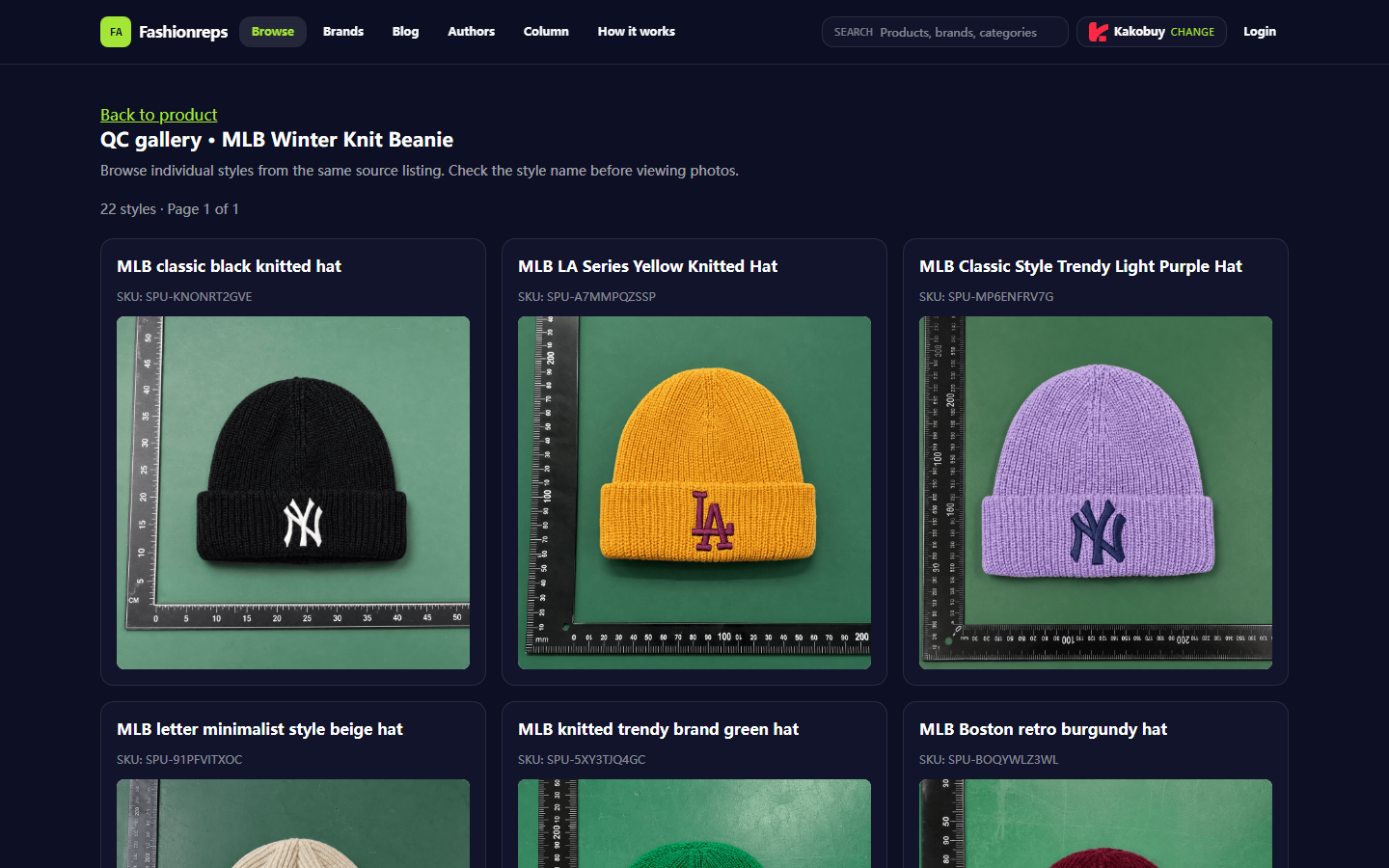
Image: Example of internal QC page. It only shows that the page displays style and QC information; it does not prove the color, size, or order status of any particular Nike hoodie.
Only Deal with Color and Spec Submission Mismatch
First, narrow the issue to a verifiable difference: you selected a certain color, size, or style on the product page, but the cart shows another option, or the product page has full specs while the cart only shows a vague name.
Don't mix in price changes, shipping costs, authenticity checks, and warehouse inspection at the same time. What we need to solve now is "is the submitted variant the same as the selected variant?" Only after confirming this should you move on to checking price, shipping, or QC.
Common signs include:
- You selected black on the product page, but the cart shows gray or no color.
- You selected XL, but the cart shows only an unidentifiable number or abbreviation.
- The product page shows multiple Nike hoodie styles, but the cart name only keeps "Nike Hoodie".
- The product page quantity is two, but the cart quantity becomes one, or vice versa.
- After reopening the product page, the previously selected dropdown options are reset.
Save Evidence of Product Page, Cart, and Order Draft
Before changing the cart, save three states separately: product page, cart, and order draft. Screenshots should show as much as possible: product name, spec selection, quantity, product link or page URL, and time information.
Follow this order:
- On the product page, reselect the color, size, or style; don't rely only on page defaults.
- After confirming the selection, screenshot the product page, keeping the full spec text and quantity.
- Open the cart and screenshot the corresponding item row, keeping the product name, variant, quantity, and price area.
- If the platform allows entering an order draft, go to the draft but don't pay, then screenshot the product information in the order.
- Use consecutive filenames for the three screenshots, like
product-page,cart,order-draft, to avoid uploading wrong evidence later.
Don't expose order number, full shipping address, phone number, payment card info, or passport info. When submitting to customer service, keep only fields needed to locate the product and mask personal data. 🔒
Check Same Link, Variant Name, and Quantity
Same product name doesn't mean same variant. Prioritize checking the product link, then variant name, then quantity.
Record these fields when checking:
- Is the product page link exactly the same, including product ID or key parts of the path?
- Does the color name selected on the product page match the cart text, not just comparing color images?
- Is the size letter, number, or seller-custom code? Are there options with same name but different fit?
- Does the product page selection include single item, set, or different combination? Does the cart keep the full description?
- Is the quantity consistent? Did it change due to stock limits, minimum purchase, or page refresh?
If the link differs, treat them as different products even if both say Nike hoodie. Don't guess they are the same based on thumbnails, color dots, or similar titles. 🧩
Troubleshoot Page Cache, Dropdown Options, and Note Differences
Spec mismatch doesn't always mean the order is wrong; it could come from page cache, seller variant naming, or the agent platform's redisplay of original options. Troubleshoot in order to avoid adding duplicate items.
First, close the old product page and reopen the original page to see if options still exist. Second, reselect color and size, then observe if the page updates product image, SKU, or price. Finally, go back to the cart to confirm if a new item row appears instead of continuing to edit an old row whose source can't be determined.
Also check the note field. Some items' color, size, or style may be passed through notes, but notes cannot replace formal variant selection. If the formal dropdown options conflict with note content, don't assume the seller will ship according to the note.
If the cart only keeps the platform's internal code, save that code along with the product page screenshot, and ask customer service what color, size, and quantity that code corresponds to. Don't pay until you get a verifiable answer. ✋
When Not to Continue Paying
Stop payment and keep current evidence if any of the following occurs:
- Product link differs among product page, cart, and order draft.
- Color or size names can't be matched, and the page lacks clear SKU explanation.
- Cart quantity differs from product page, and the system gives no clear stock or purchase limit notice.
- Order draft shows a spec that cannot be reselected on the product page.
- Spec can only be written in free text notes, and formal variant fields are empty or wrong.
- Customer service asks you to pay first and promises to modify color, size, or style later.
- You cannot confirm the final fields submitted by seller, product link, or agent platform.
Stopping payment doesn't mean confirming the platform or seller made a mistake; it means current evidence insufficient to support an irreversible action. Save draft and screenshots, then ask customer service via official channel about specific field meanings.
How to Submit Verifiable Info to Customer Service
Keep customer service requests short and structured; avoid sending only "wrong color" or "wrong size". Submit the following in one go:
- Product page selection: color, size, style, and quantity.
- Cart display: color, size, style, and quantity.
- Order draft display: if generated, list fields.
- Product link or platform internal product code.
- Screenshot filenames and their corresponding state.
- Clear request: Please confirm the color, size, style, and quantity that will actually be submitted to the seller after payment; if unable to confirm, please keep the order unpaid.
After customer service reply, reopen cart or order draft to verify if reply is reflected on the page. When only receiving a text promise but page fields unchanged, don't consider issue resolved. 📌
Responsibility Boundary Between QC and Cart Issues
Cart check solves "what specs are you about to submit"; QC usually solves "does the appearance and basic info of warehouse received goods match order requirements". They cannot replace each other.
If wrong color or size already submitted at cart stage, later QC may only confirm warehouse received the wrong choice. Conversely, even if cart specs correct, after warehouse receipt there may still be color, size, quantity, or obvious appearance issues; handle those per agent platform's inspection and after-sales rules.
The internal QC page can help readers understand how style and inspection info are displayed, but cannot treat other products' QC images as order evidence for the current Nike hoodie. The example image in this article also does not prove the target product has been purchased, stocked, or passed inspection.
Nike Spec Checklist Before Submitting Order
Confirm each item before payment:
- Product link consistent across product page, cart, and order draft.
- Product name distinguishes specific style, not just generic "Nike Hoodie".
- Color text matches product page selection, not just looking at color image.
- Size text or code can correspond to specific options on product page.
- Quantity matches, and not changed by stock limits or page refresh.
- Note does not conflict with formal variant selection.
- Evidence of product page, cart, and order draft saved.
- Customer service has confirmed final submission via verifiable fields, or you have confirmed no need for customer service intervention.
Do not infer current product status based on unverified price, stock, size chart, seller promise, or page screenshot. Color, size, stock, and order fields can change; rely on actual page on submission day and verifiable customer service info.
After this check, you should be able to make a clear decision: fields consistent and evidence complete, can proceed to check payment and shipping conditions; fields still inconsistent, stay unpaid and wait for official customer service confirmation. This may take a few extra minutes but reduces time cost and extra risk of handling returns/exchanges after receiving wrong variant.
Agent Platform Shopping FAQ
1. What types of products are available on kakobuy?
On kakobuy, you can browse an extremely wide range of products, including shoes, T-shirts, sweaters, hoodies, jeans, sweatpants, shorts, beach shorts, factory clearance items, down jackets, baseball shirts, shirts, hats, jewelry, bags, electronics, sunglasses, socks, underwear, and trendy collectibles.
2. What are kakobuy QC photos?
kakobuy has a dedicated quality control team. When your items arrive at kakobuy's warehouse, the platform performs quality checks and takes QC photos for your items. Usually three photos are taken, and the team verifies that the item's color, size, specs, and quantity match your order, while also checking for quality issues. However, electronics are excluded; only their appearance is checked. If quality issues or wrong size/color are found, the team immediately applies for a return from the seller. This ensures you receive quality items.
3. What product types are included in kakobuy's spreadsheet?
In kakobuy's spreadsheet, you can find shoes, clothing, bags, accessories, jerseys, perfumes, hats, scarves, belts, and various home and lifestyle products.
4. What should new users pay attention to when using agent platforms like kakobuy?
First-time users using kakobuy's agent service through the spreadsheet generally receive a new user shipping discount package. Additionally, you should read the step-by-step shopping tutorial for beginners.